
Professional Large Format Printers for Every Need
Discover top-quality printing solutions tailored for South Africa’s leading print teams.

Wide-Format Printers

On-Site
Setup

Expert Support

Service & Supply
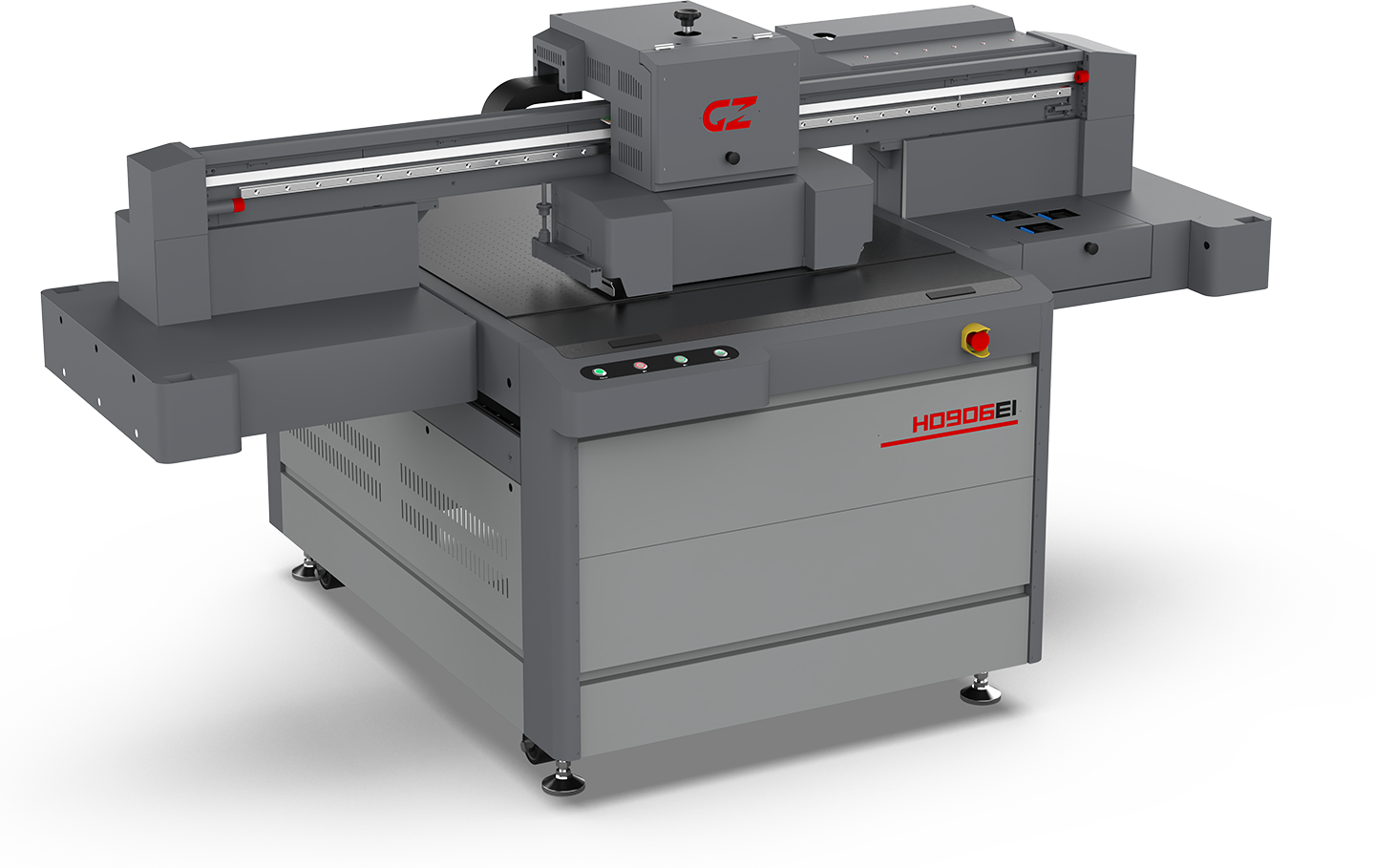
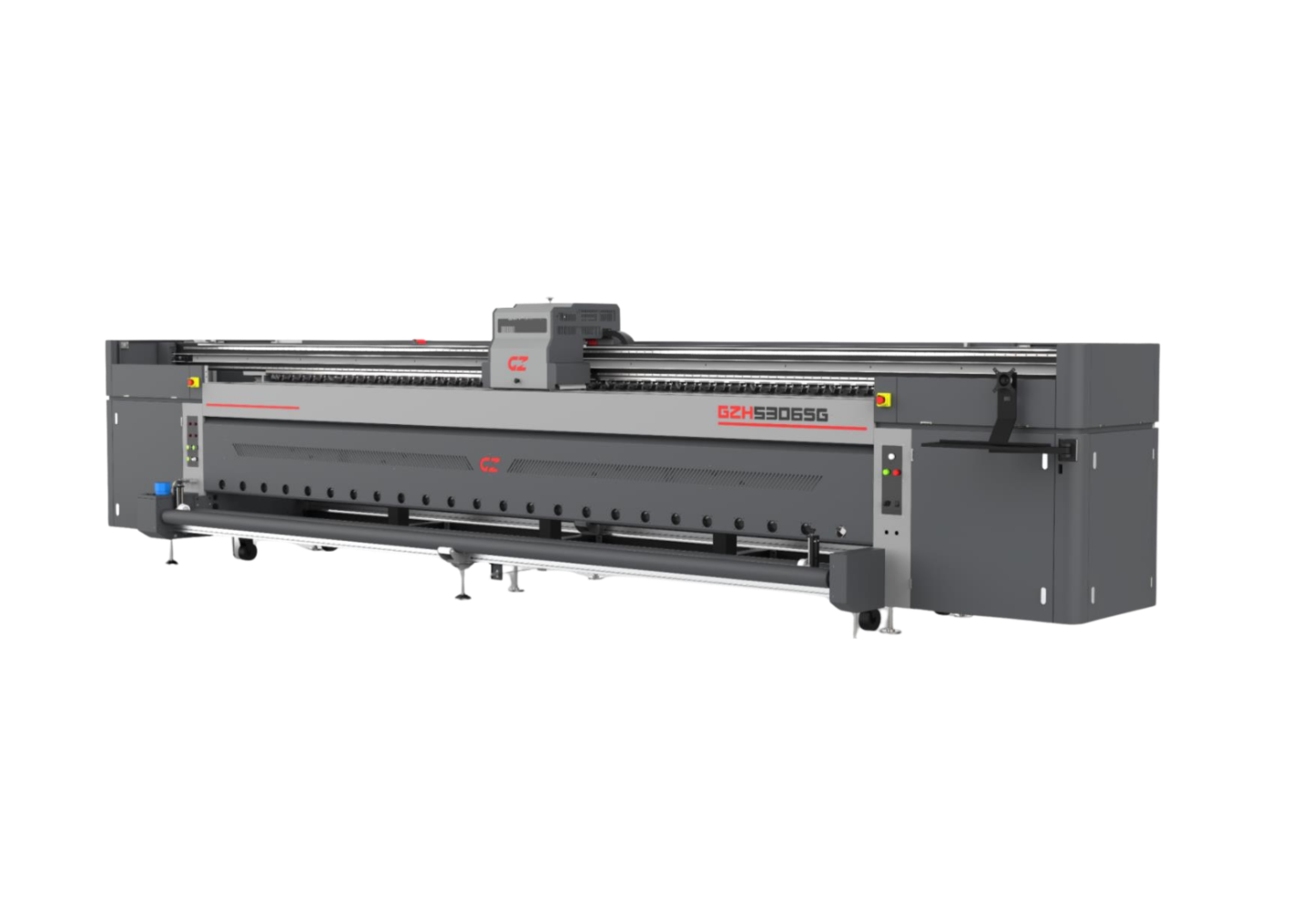
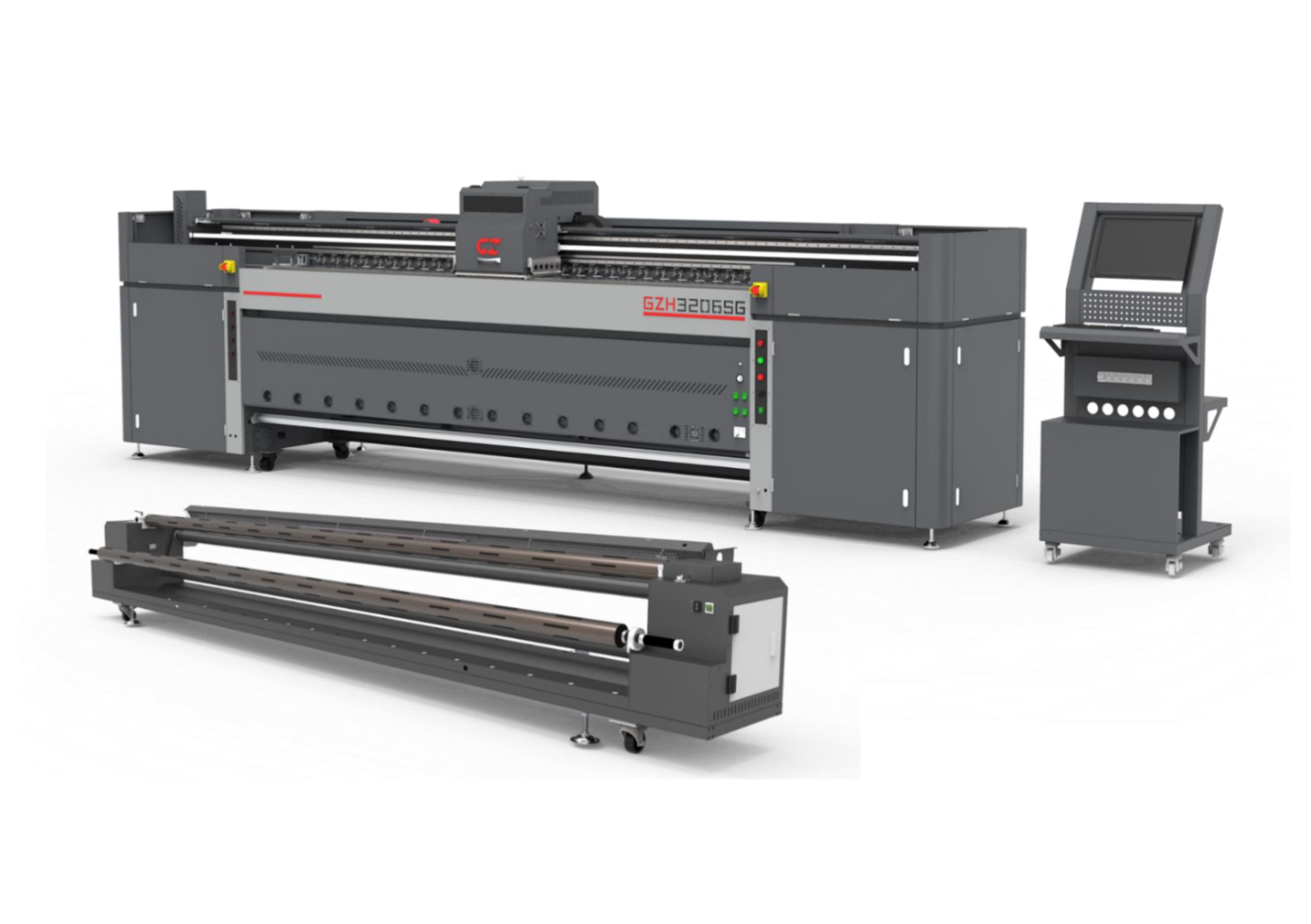
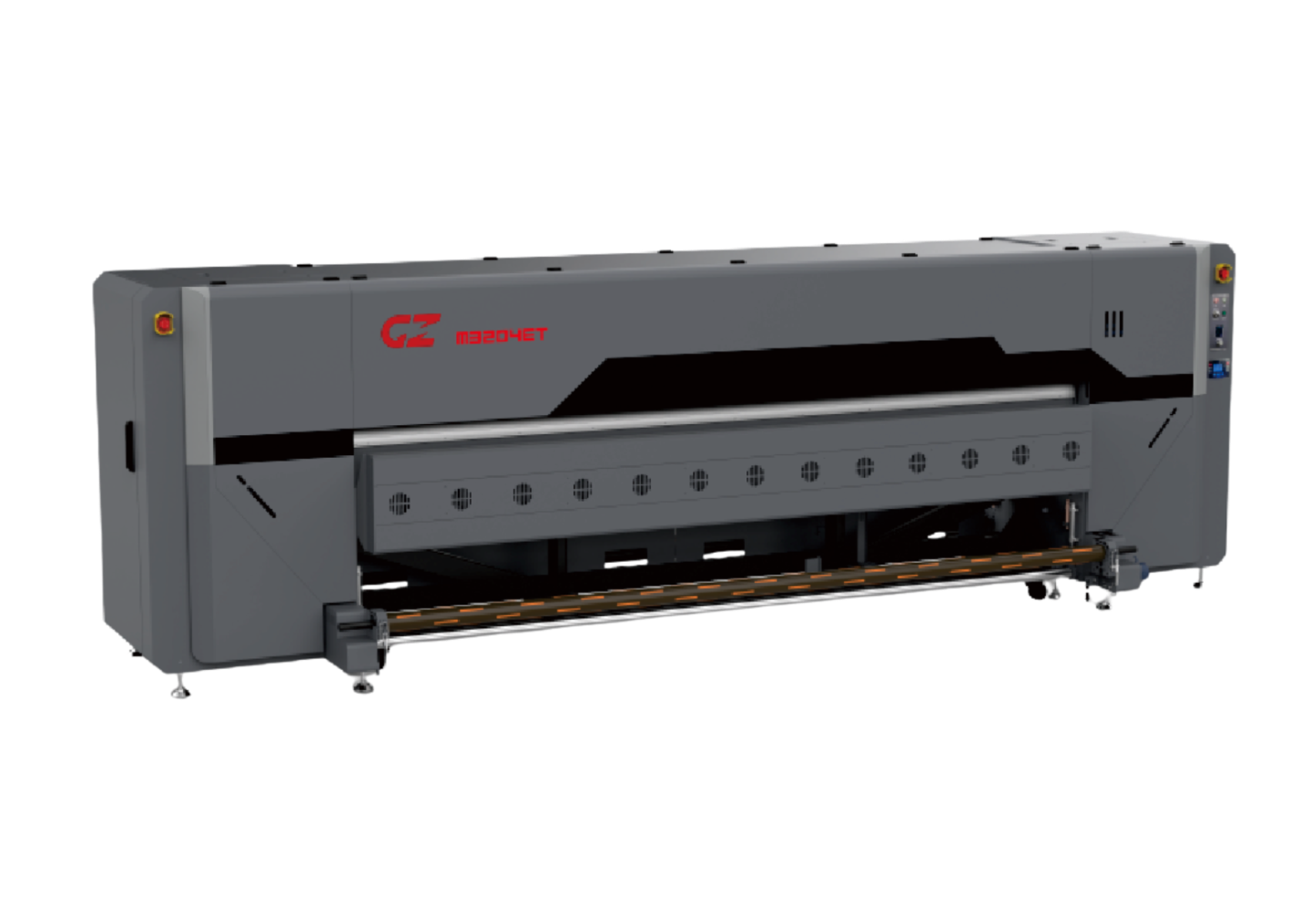
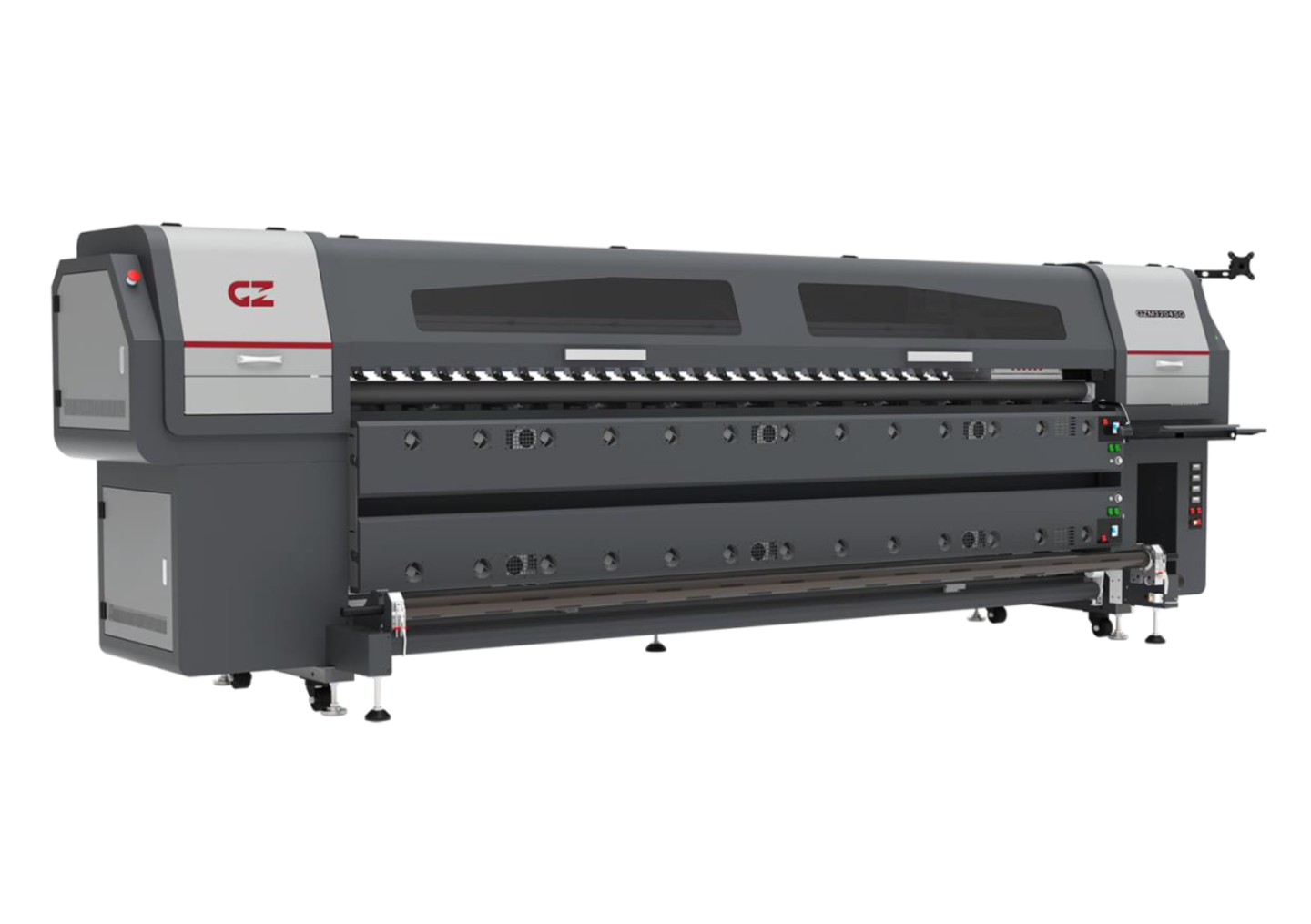
Our Top Performing Printers
Discover our most popular printers trusted by professionals across South Africa.
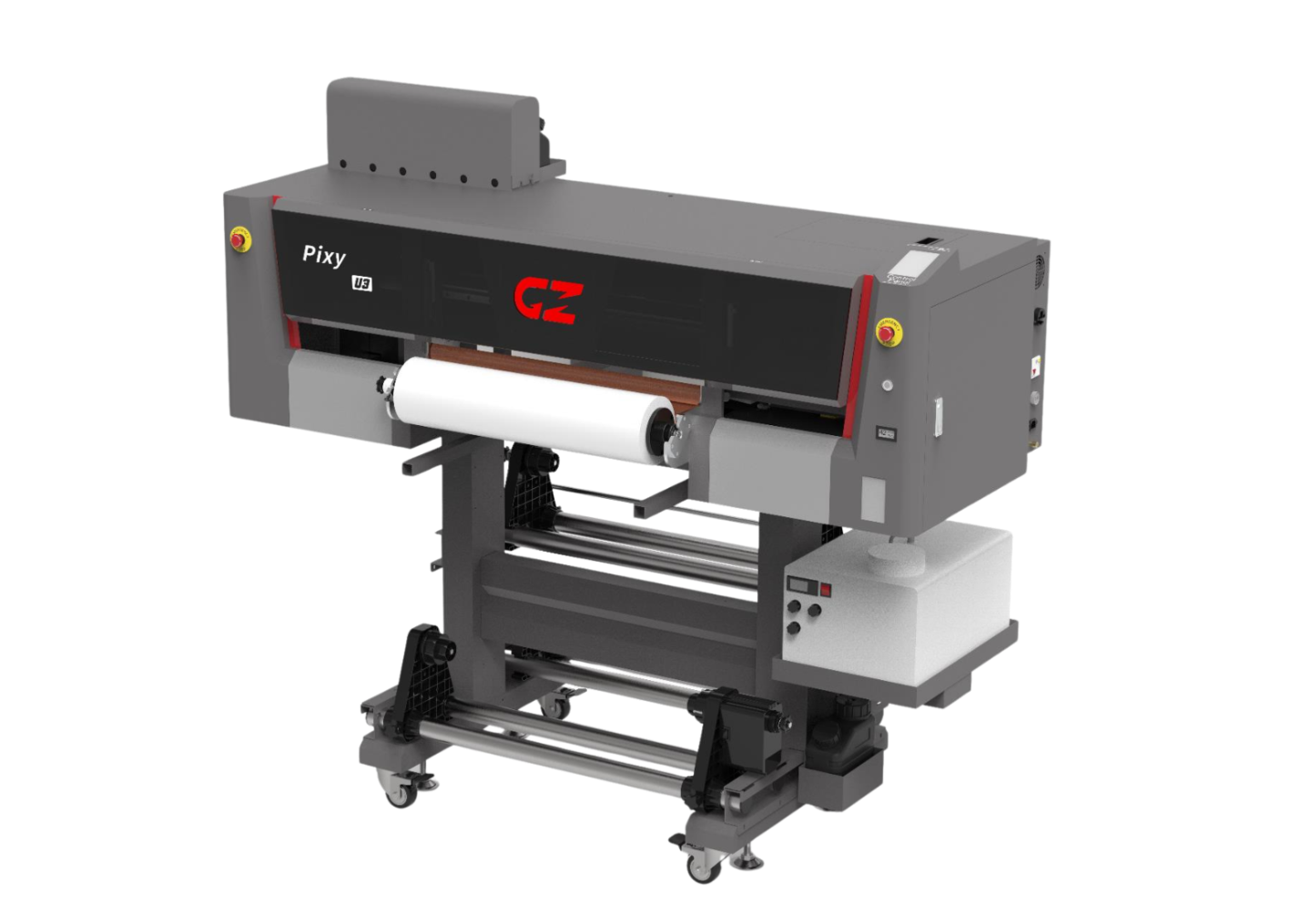
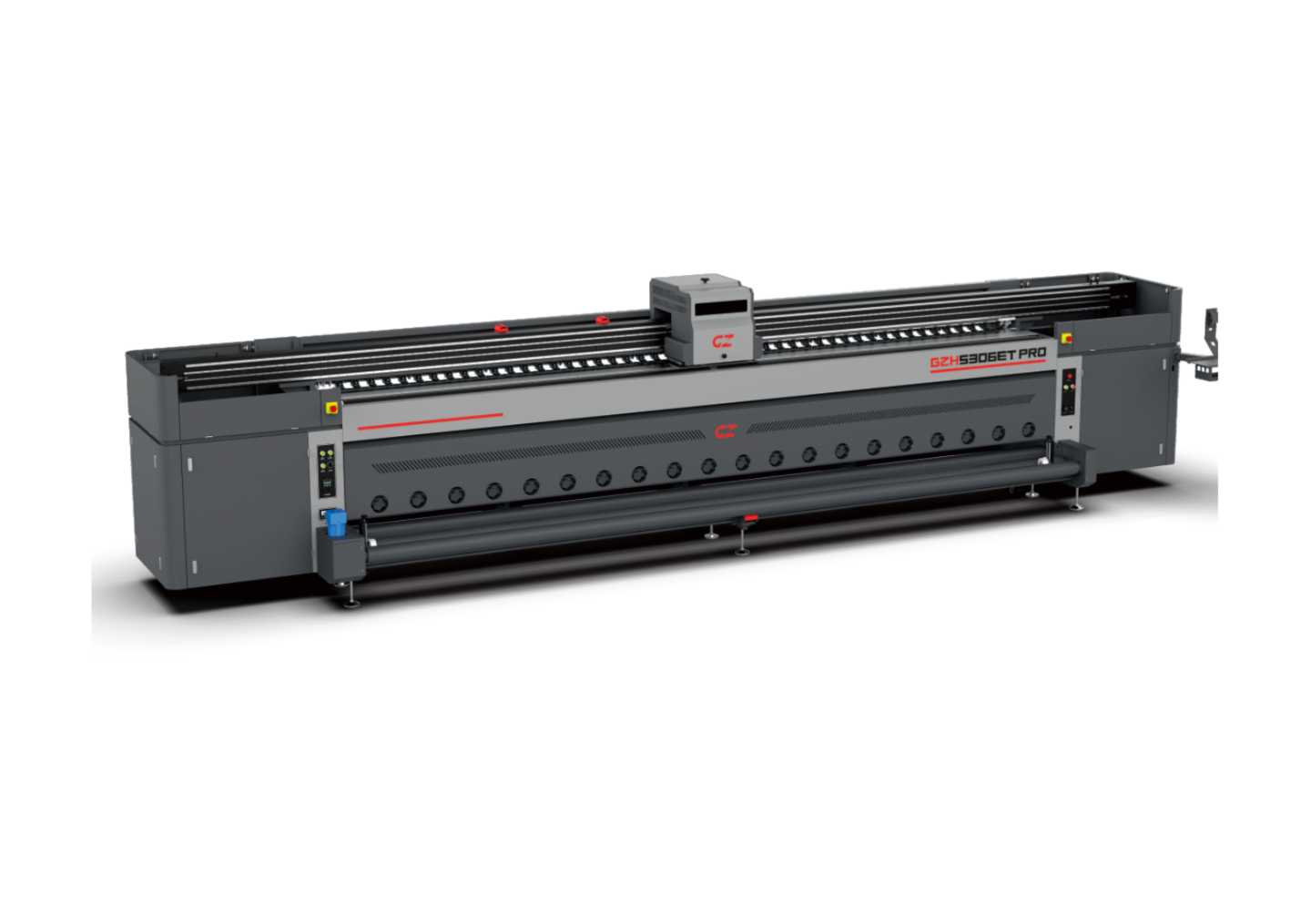
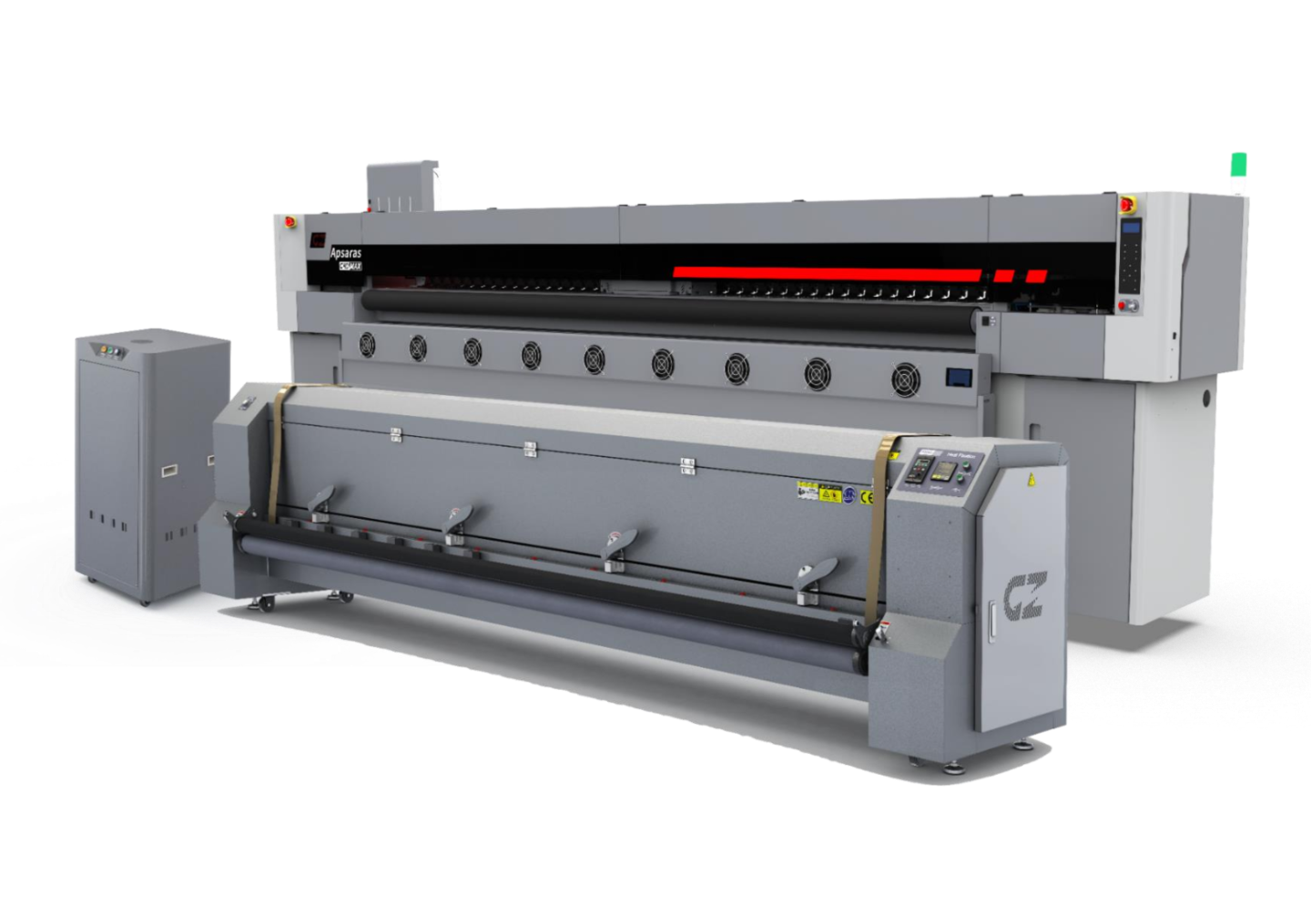
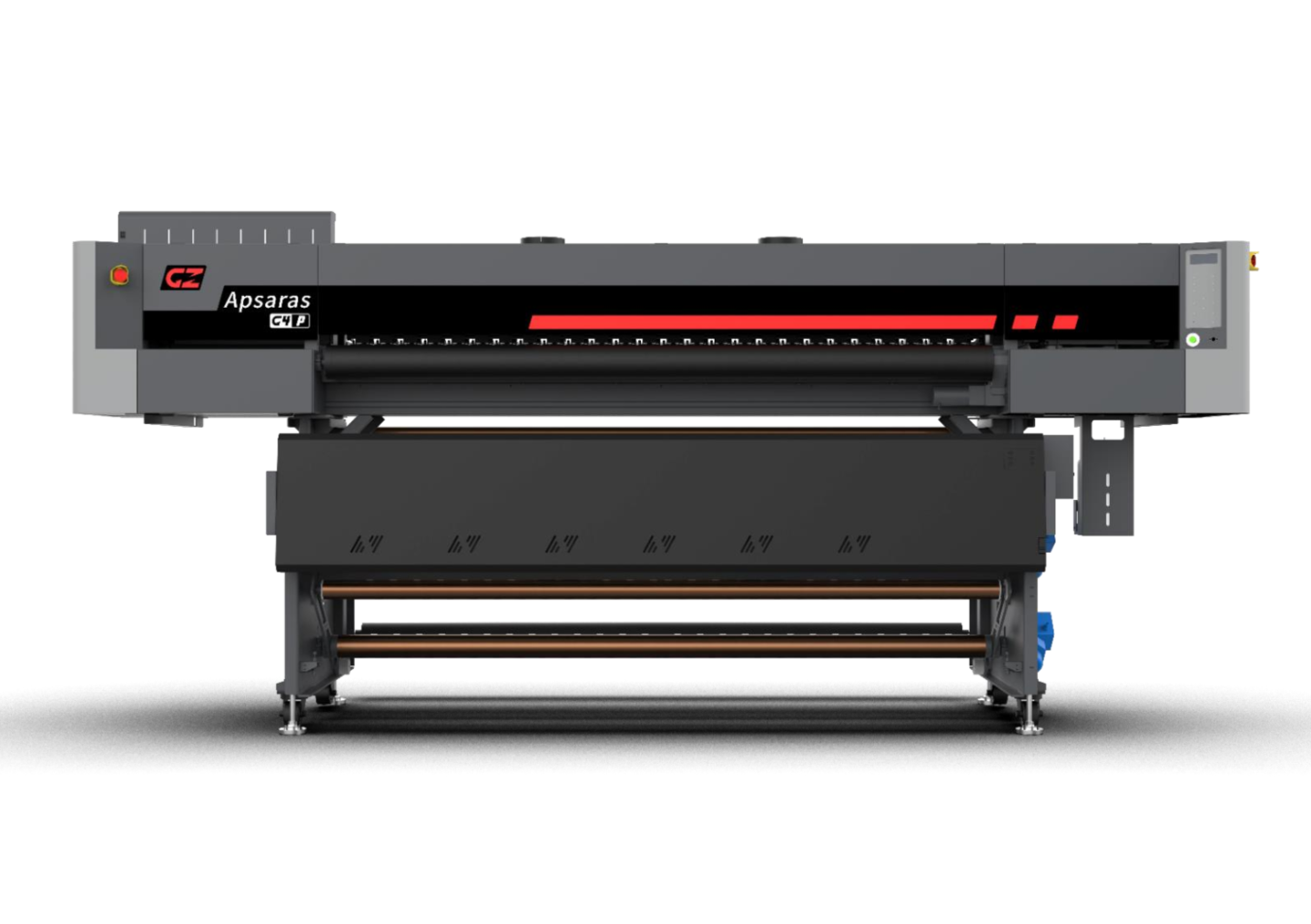
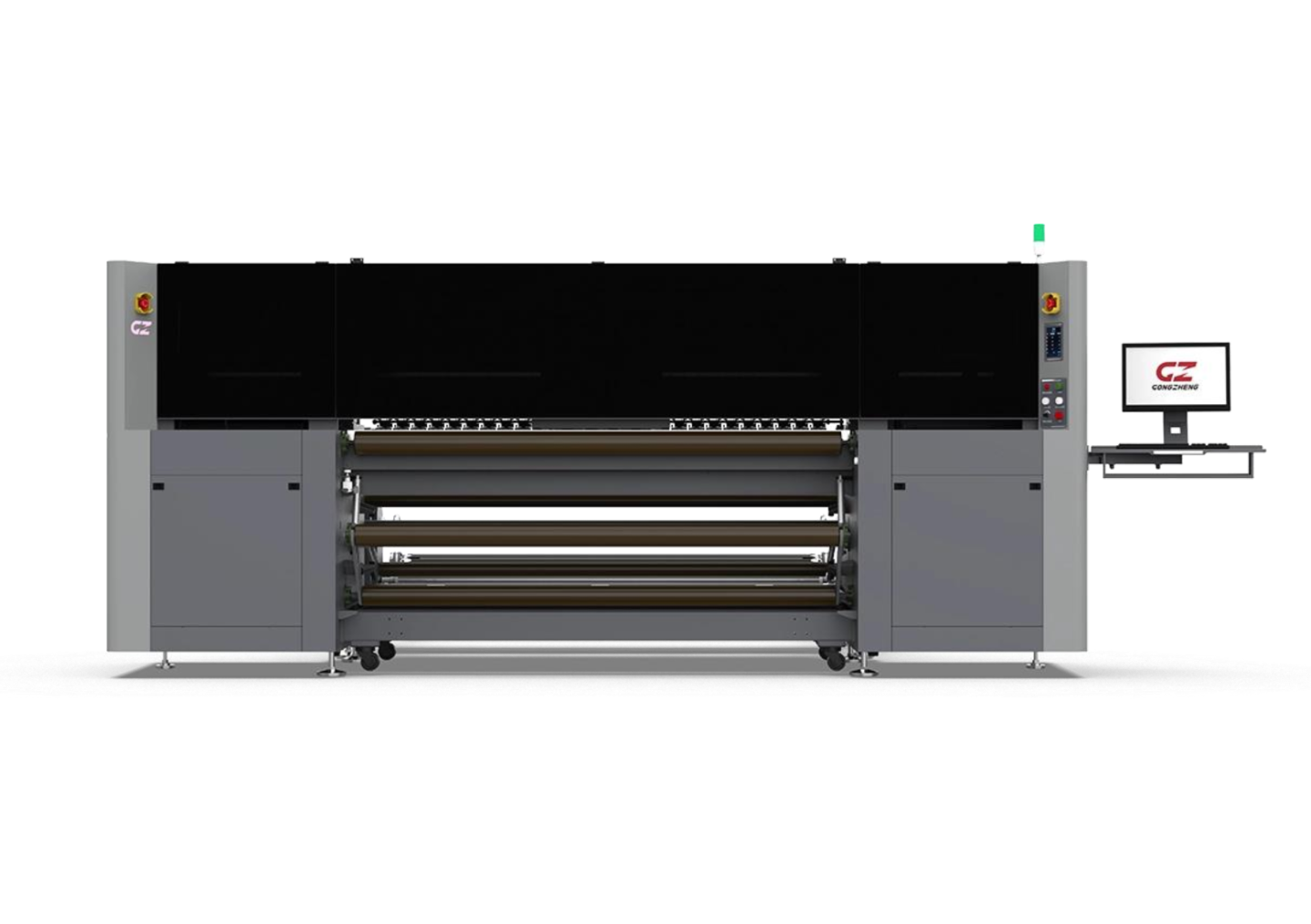
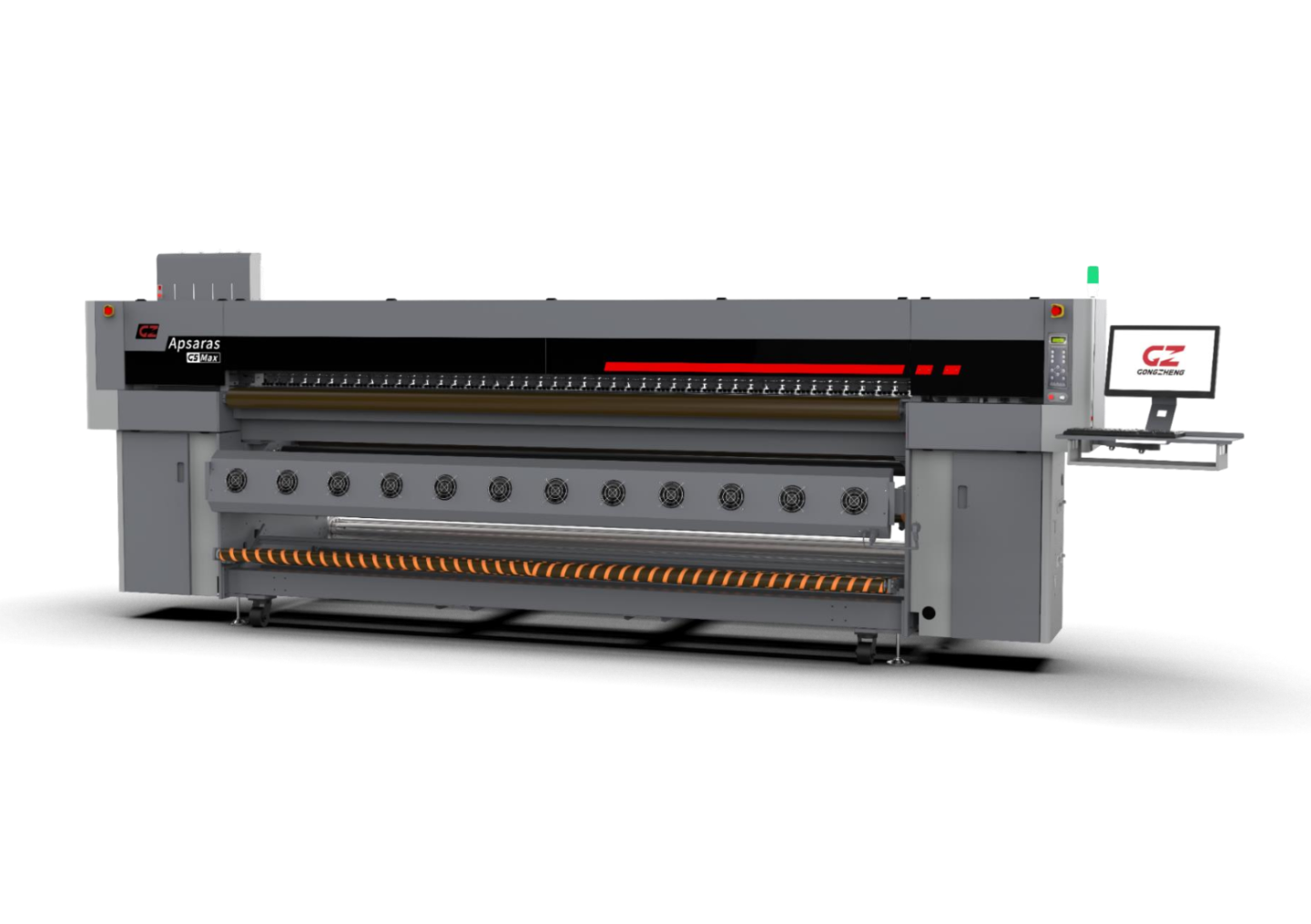
Discover Our Printer Range
Find the perfect printer for your business, From textiles and signage to specialty materials.
Dye Sublimation
High-quality printing for textiles and soft signage.
.avif)
RTR UV
Roll-to-roll UV printers for flexible films, banners, and backlit media.
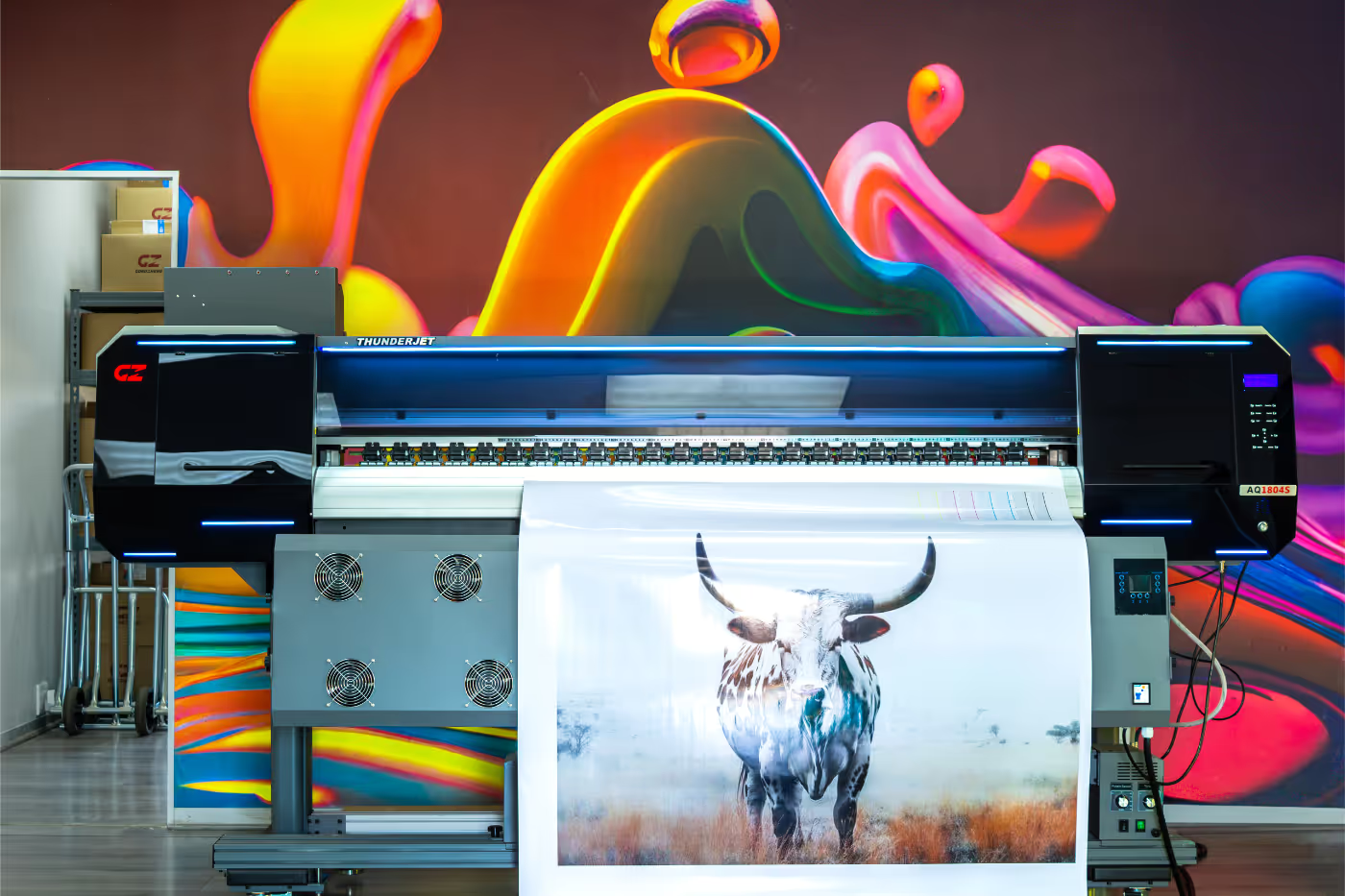
Eco-Solvent
Reliable, cost-effective printing for indoor and outdoor signage.
.avif)
DTF
Durable, vibrant transfers for all fabric types.
.avif)
Flatbed UV
Precision printing for rigid materials and high-impact graphics.
.avif)
Hybrid UV
Versatile systems for both rigid and flexible media applications.
Solvent
Industrial-grade printers built for large-scale outdoor production.
.avif)
Textile
High-speed fabric printing for fashion, sportswear, and soft signage.
.avif)
Dye Sublimation
High-quality printing for textiles and soft signage.
RTR UV
Roll-to-roll UV printers for flexible films, banners, and backlit media.
Eco-Solvent
Reliable, cost-effective printing for indoor and outdoor signage.
.avif)
DTF
Durable, vibrant transfers for all fabric types.
Big Flatbed
Industrial flatbed solutions for high-volume rigid printing.
Hybrid UV
Versatile systems for both rigid and flexible media applications.
Solvent
Industrial-grade printers built for large-scale outdoor production.
Small Flatbed
Compact flatbed printing for rigid media and short runs.
RTR UV
Roll-to-roll UV printers for flexible films, banners, and backlit media.
Dye Sublimation
High-quality printing for textiles and soft signage.
DTF
Durable, vibrant transfers for all fabric types.
Eco-Solvent
Reliable, cost-effective printing for indoor and outdoor signage.
Big Flatbed
Industrial flatbed solutions for high-volume rigid printing.
Hybrid UV
Versatile systems for both rigid and flexible media applications.
Solvent
Industrial-grade printers built for large-scale outdoor production.
Small Flatbed
Compact flatbed printing for rigid media and short runs.
Explore Our Print Solutions
Transforming your ideas into stunning, high-quality prints for every application.

High-performance printers for fashion, sportswear, and soft signage production.

Versatile printing solutions for indoor and outdoor advertising materials.

Creative print systems for wallpapers, décor panels, and event branding.

Compact printers for personalized products, labels, and specialty applications.

High-speed, large-format printers for massive outdoor and industrial displays.





Why VCS Stands Out in Printing Solutions
With over 20 years of industry experience, VCS combines local knowledge with a consultative approach to meet your printing needs. Our commitment to flexible support and rapid response ensures you receive reliable service every time.
years of experience
Happy Customers
.avif)
.avif)
Support
Your Trusted Partner for Comprehensive Support
We prioritize your success with our dedicated support services. From installation to training, we're here to ensure your operations run smoothly.

Installation
Expert installation services tailored to your specific equipment and needs.

Training
Comprehensive training programs to maximize your team’s efficiency.
.avif)
.avif)
Latest Insights and Blogs
Stay updated with our latest industry insights.

November 1, 2025
Choosing the Right Printer for Your Business
Not all printers are built the same. Here’s how to choose one that fits your company’s daily operations and long-term goals.
Introduction
Selecting the right printer for your business is more than just picking the cheapest option or the one with the fastest page-per-minute rate. A printer is an essential part of daily operations, and the wrong choice can lead to inefficiencies, increased costs, and frustration for your team. Understanding your business needs, print volume, and long-term goals is critical to making a smart investment.
Assess Your Business Needs
The first step is to evaluate what your business actually needs from a printer. Consider the following:
- Daily Print Volume: High-volume businesses like law firms or offices printing contracts daily will need robust laser printers, whereas small offices or creative agencies might get by with a lower-volume inkjet.
- Document Types: Are you mostly printing text documents, or do you need high-resolution images? This will influence whether you choose inkjet or laser technology.
- Functionality: Multifunction printers that scan, copy, and fax can save space and simplify workflows.
Understanding Printer Technology
Printers generally fall into two categories: inkjet and laser.
- Inkjet Printers: Best for high-quality images, photos, or low-volume office printing. They tend to have higher ink costs per page but excel in color output.
- Laser Printers: Designed for fast, high-volume printing, mostly in black and white. Toner cartridges last longer, and the print quality is consistent for text-heavy documents.
Connectivity and Networking
Modern businesses need flexible printing options:
- Wired vs Wireless: A wired printer can be faster and more reliable but limits placement. Wireless printers allow multiple devices to print without complex setups.
- Network Printing: Network-enabled printers let all team members print from their computers or devices, saving time.
Cost Considerations
Printer costs are more than the initial purchase:
- Upfront Cost: High-quality printers may cost more initially but save money in the long run.
- Consumables: Toner or ink cartridges can become expensive. Look for printers with affordable and easy-to-replace supplies.
- Maintenance: Factor in service contracts or warranties for repairs.
Ergonomics and Space
Don’t forget physical considerations:
- Size: Ensure the printer fits your office space comfortably.
- Noise Levels: In open-plan offices, a quiet printer improves comfort and productivity.
Environmental Considerations
Modern businesses also consider sustainability:
- Energy Efficiency: Look for printers with ENERGY STAR certification.
- Recyclable Components: Some printers allow recycling of cartridges and parts.
Case Study: Small vs Large Office
- Small Office: A four-person accounting firm prints mostly contracts and letters. A mid-range inkjet multifunction printer is ideal.
- Large Office: A 50-person company prints thousands of documents weekly. A high-speed, networked laser printer is the most cost-efficient choice.
Conclusion
Choosing the right printer involves a balance of functionality, cost, and usability. By understanding your business’s print needs and evaluating options carefully, you can invest in a printer that supports efficiency and productivity for years.

November 1, 2025
Why Printer Maintenance Saves You Money
Regular printer care can drastically reduce repair costs and downtime. Here’s why maintenance matters.
The Cost of Neglect
Printers often fail due to simple neglect—dust buildup, poor ventilation, or outdated firmware.
Benefits of Routine Maintenance
- Longer lifespan: Parts wear out slower.
- Consistent quality: Fewer print errors and smudges.
- Lower costs: Preventive maintenance costs less than emergency repairs.
Quick Maintenance Tips
Clean regularly, replace toner responsibly, and schedule quarterly checkups.

November 1, 2025
The Difference Between Inkjet and Laser Printers
Unsure whether inkjet or laser is better for your business? This breakdown will help you decide.
The Future of CMS Technology
The landscape of CMS technology is constantly evolving. Here are some emerging trends to watch:
- Headless CMS: A shift towards decoupled architectures for greater flexibility.
- AI Integration: Utilizing artificial intelligence for content personalization and automation.
- Enhanced User Experience: Focus on user-centric design and accessibility.
Staying informed about these trends can help you adapt and innovate in your CMS strategy.

November 1, 2025
How to Reduce Printing Costs Without Sacrificing Quality
Cutting printing costs doesn’t mean lowering standards. Here are practical ways to save smart.
Integrating Social Media with CMS
Social media integration is crucial for enhancing your CMS's reach and engagement. Here are some strategies:
- Social Sharing Buttons: Add social sharing buttons to your content to encourage sharing.
- Content Syndication: Share your CMS content on social media platforms to increase visibility.
- Engagement Tracking: Use analytics to track engagement from social media channels.
By effectively integrating social media, you can expand your audience and improve engagement.

November 1, 2025
Understanding CMYK: The Colors That Power Printing
CMYK isn’t just a term—it’s the foundation of every printed product. Here’s what makes it essential.
Content Strategy for CMS
A well-defined content strategy is essential for the success of your CMS. It guides content creation, management, and distribution. Here are key elements to consider:
- Audience Analysis: Understand your target audience and their needs.
- Content Planning: Create a content calendar to organize your publishing schedule.
- Performance Metrics: Establish metrics to measure the success of your content.
By focusing on these elements, you can create a robust content strategy that drives engagement.

November 1, 2025
5 Common Printer Issues and How to Fix Them
Printer acting up again? Here are quick fixes for the most common issues businesses face.
Optimizing CMS Performance
Performance optimization is vital for a smooth user experience. Here are some techniques to enhance your CMS performance:
- Optimize Images: Use compressed images to reduce load times.
- Minimize Plugins: Limit the number of plugins to only those that are necessary.
- Use Caching: Implement caching strategies to speed up content delivery.
By applying these techniques, you can significantly improve the performance of your CMS.

November 1, 2025
How to Extend the Life of Your Office Printer
Simple habits can add years to your printer’s lifespan. Here’s how to protect your investment.
CMS Security Measures
Security is a critical aspect of managing a CMS. Implementing robust security measures can protect your content and user data. Here are some key measures:
- Use Strong Passwords: Ensure all users have strong, unique passwords.
- Regular Backups: Schedule regular backups to prevent data loss.
- Access Control: Limit user access based on roles and responsibilities.
By prioritizing security, you can safeguard your CMS against potential threats.

November 1, 2025
Why Businesses Are Moving Away from Cheap Printers
Low-cost printers often come with high long-term expenses. Here’s why investing upfront pays off.
Best Practices for CMS Management
Managing a CMS requires a strategic approach to ensure efficiency and effectiveness. Here are some best practices:
- Regular Updates: Keep your CMS and plugins updated to avoid security vulnerabilities.
- Content Strategy: Develop a clear content strategy to guide your content creation and management.
- User Training: Train users on how to use the CMS effectively to maximize its potential.
By following these practices, you can enhance the performance and security of your CMS.

November 1, 2025
Printer Security: Why It Matters More Than You Think
Printers are part of your network—and that means they’re a security risk if not protected.
CMS Architecture Explained
Content Management Systems (CMS) are essential tools for managing digital content. They consist of various components that work together to provide a seamless user experience. The architecture typically includes a database, a user interface, and a server-side application.
Key Components
- Database: Stores all content and metadata.
- User Interface: Allows users to interact with the CMS.
- Server-Side Application: Processes requests and serves content to users.
Understanding these components is crucial for anyone looking to implement or manage a CMS effectively.